Frappe CRM Review
Fully featured, open source CRM
CRM · Open Source · OPEN SOURCE
Overview
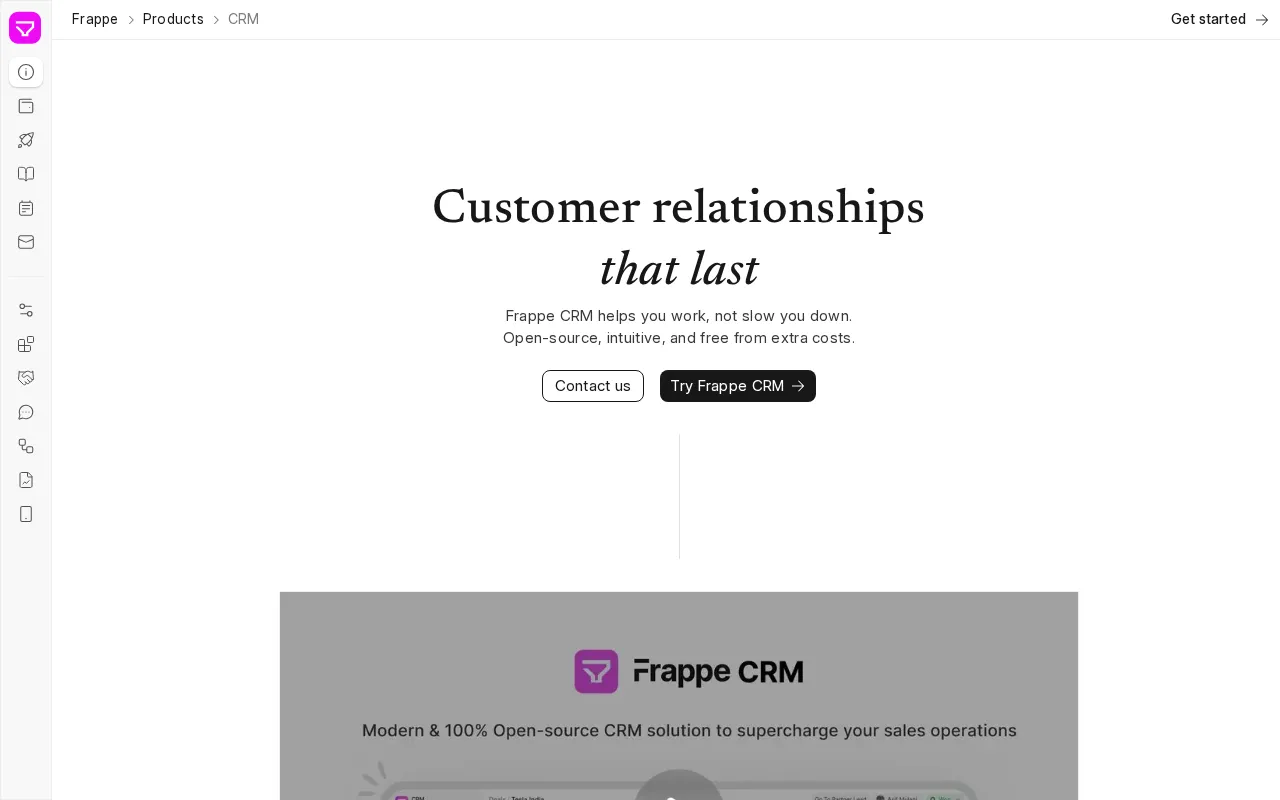
Frappe CRM is an open-source sales CRM built on the Frappe framework, the Python and MariaDB stack behind ERPNext, and it ships under AGPL-3.0, a license worth reading before you plan to offer it as a hosted service. The README pitches a simple, affordable CRM for modern sales teams with unlimited users, and pricing supports the affordability half of that: self-hosting is free, Frappe Cloud hosting starts at $5 per month per site, dedicated servers run $20 to $60 per month, and no tier charges per user. Development moves quickly. The project released roughly 130 times across 2025 and 2026, reaching v1.83.0 in September 2026, adding Sales Hierarchy in June 2026, an editable dashboard in July 2025, and assignment rules. Every lead, deal, contact, and organization is a Frappe document, so custom fields, custom statuses, list actions, and Python server scripts extend the CRM the same way ERPNext gets extended. The interface is a Vue 3 single-page app with a drag-and-drop kanban board for leads and deals, saved, public, and pinned views, web forms for lead capture, and a mobile experience delivered as a progressive web app rather than a native app. Integrations are narrow and documented. Telephony covers Twilio and Exotel, with click-to-call from lead, deal, and contact pages, call pop-ups, recording, and notes. WhatsApp arrives through a separate third-party app, Frappe WhatsApp by Shridhar, sending from templates over the WhatsApp Business Cloud API. Email works from lead and deal records with multiple accounts and templates. Facebook and Instagram lead sync is documented as beta. ERPNext sync creates customers and quotations from won deals, though most of it needs both apps on the same site. Two things to check first: no AI features appear in the README, marketing site, or release notes, and the repository's default branch is develop, which tracks the unreleased Frappe v17, so pin to main for a stable install.
Key Integrations
How to install
- Managed route first, because the docs say so: they recommend trying Frappe Cloud before self-hosting. Sign up at frappecloud.com/crm/signup, or install the CRM app from the marketplace if you already run a Frappe Cloud account.
- For a production server, use the Easy Install script. Download frappe.io/easy-install.py and run python3 ./easy-install.py deploy --project=crm_prod_setup [email protected] --image=ghcr.io/frappe/crm --version=stable --app=crm --sitename subdomain.domain.tld. The docs warn the site's DNS A record must point at the server first, or you will get a 404.
- For a quick look, Docker is the fastest path: download docker-compose.yml and init.sh from the repo's docker directory and run docker compose up -d, then open http://crm.localhost:8000/crm and log in as Administrator with the password admin.
- For development, install the bench CLI (uv tool install frappe-bench), create a bench with bench init, then run bench get-app crm and bench new-site sitename.localhost --install-app crm. Start it with bench start and browse to sitename.localhost:8000/crm.
- Frontend changes live in frappe-bench/apps/crm/frontend, a Vue 3 and Vite project: yarn install, then yarn dev serves the dev build on port 8080.
- Pin the branch deliberately. main tracks the stable v1.x series against Frappe v15 and v16; develop, the repo's default branch, targets the unreleased Frappe v17.
Requirements
The CRM itself lists no version pins and defers to the Frappe framework docs, which ask for Python 3.10 or newer, MariaDB 10.6 or newer, Redis or Valkey 6, Node 18 or newer, and Yarn on Linux or macOS. The crm main branch declares Python 3.10+ and a Frappe dependency of 15.x or 16.x. Setup runs in a browser wizard the docs describe as about two minutes, but custom fields and server scripts still drop you into the Frappe desk backend.
Best for
Teams already inside the Frappe or ERPNext ecosystem, and cost-conscious SMBs that want unlimited users without per-seat fees and are comfortable operating a Python, MariaDB, and Redis stack. The AGPL license suits internal business use without obligation.
Not for
Teams shopping for AI features (there are none in the product or the release notes), native mobile apps (it is a PWA), or broad connector coverage. Marketing teams wanting campaign automation need to pair it with a separate tool, and anyone wanting a SaaS vendor to call will not find one at this price.
Hands-on notes
Assessed from the repository, the 41-page documentation site, and the release history rather than a self-hosted instance. The project is unusually active: roughly 130 releases across 2025 and 2026, reaching v1.83.0 in September 2026, with Sales Hierarchy in June 2026 and an editable dashboard in July 2025 among the additions.
Installation has four documented routes, and they are not equal. Frappe Cloud is the path the docs recommend trying first, the Easy Install script deploys a production server in one command, Docker gets you a disposable instance at crm.localhost:8000 with an Administrator account, and bench get-app crm is the development route. One caveat the docs leave implicit: the repository's default branch is develop, which targets the unreleased Frappe v17, so pin to main.
The integration surface is narrow and clearly scoped: Twilio and Exotel for telephony, WhatsApp through a third-party app by Shridhar, email accounts on lead and deal records, beta Facebook and Instagram lead sync, and ERPNext sync that mostly requires both apps on the same site. There are no AI features in the README, the marketing site, or any release note we reviewed, and the mobile experience is a PWA rather than a native app.
Verdict
A lean, fast-moving open-source CRM that costs almost nothing to run and gives up AI, native mobile, and connector breadth to get there. Read the AGPL terms and pin your branch before you install.
Pros and cons
| Pros | Cons |
|---|---|
| ✓ Open-source licensing with free self-hosting | ✗ Paid plans start at $5/mo once past the free tier |
| ✓ Established community (3,390 GitHub stars) | |
| ✓ Deep integration catalogue (5 listed) |
Building your martech shortlist?
The weekly newsletter: one tool teardown, one workflow, no fluff. Free.
Frequently asked questions
What is Frappe CRM?
Fully featured, open source CRM. It ships with 3,390 GitHub stars. MartechSignal's review covers features, pricing, and how it compares to alternatives.
How much does Frappe CRM cost?
Frappe CRM has a free tier; paid plans start at $5/mo.
Is Frappe CRM a good CRM tool in 2026?
A lean, fast-moving open-source CRM that costs almost nothing to run and gives up AI, native mobile, and connector breadth to get there. Read the AGPL terms and pin your branch before you install.
Does Frappe CRM charge per user?
No. The pricing page states that you do not pay per user and that leads, deals, contacts, and sales agents are unlimited on every plan. Costs come from infrastructure: free if you self-host, from $5 per month for a Frappe Cloud site, or $20 to $60 per month for a dedicated server depending on provider and resources.
Does Frappe CRM integrate with WhatsApp?
Not on its own. WhatsApp support comes from a separate third-party app, Frappe WhatsApp by Shridhar, which you install alongside the CRM and connect using WhatsApp Business Cloud API credentials and a webhook verify token. It adds a WhatsApp tab to lead and deal pages and sends from approved templates; the docs note you can only initiate communication with customers.
Frappe CRM or ERPNext CRM: which one?
Frappe CRM is a standalone app with a purpose-built sales interface, while ERPNext ships selling features inside full accounting and inventory. The documented integration creates ERPNext customers and quotations from won deals and keeps items and products in sync, with ERPNext as the source of truth for items. Most of that sync only works when both apps sit on the same site, so pick Frappe CRM for a dedicated sales frontend and ERPNext when CRM belongs inside an ERP.
Can Frappe CRM make phone calls?
Yes, through Twilio or Exotel. Both integrations add click-to-call on lead, deal, and contact pages, an incoming call pop-up with accept, reject, and mute, a recording toggle, and the ability to attach notes or tasks from the call. Twilio needs an Account SID, Auth Token, and a Twilio number with a webhook URL; Exotel needs an Account SID, subdomain, API key, API token, and Exophone, plus completed KYC.